Description
Diamond Multimedia VC500MAC USB 2.0 One Touch VHS to DVD Video Capture Device with Easy to use Software, Convert, Edit and Save to Digital Files For MacOS

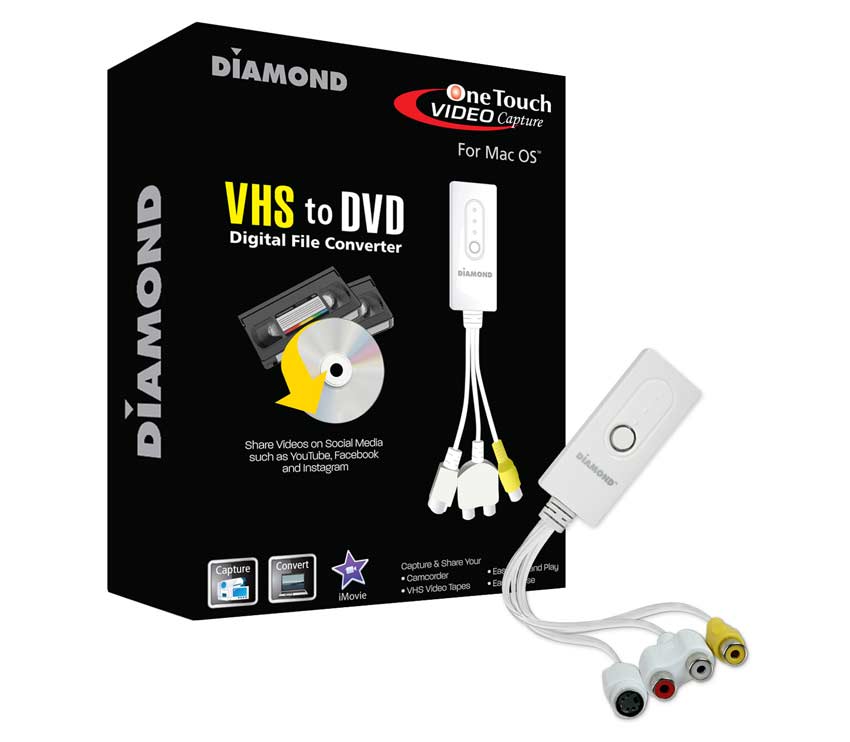
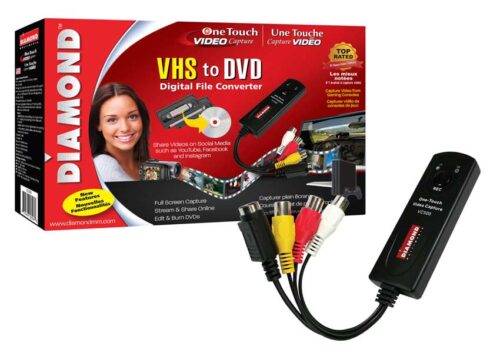
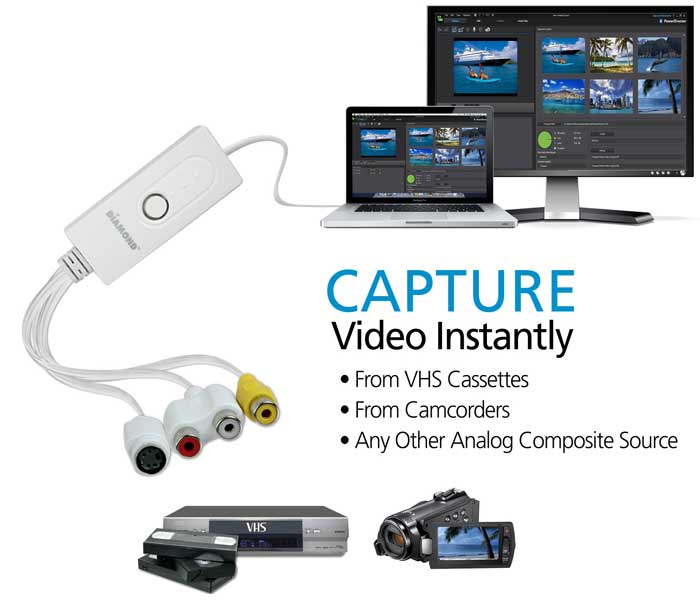
The Diamond One-Touch Video Capture VC500MAC has become the most versatile and easy-to-use device on the desks of many video capture enthusiasts. It takes all the stress out of converting video from almost any source and converting and preserving them into digital files. With the Empia software and all the included accessories, you are ready to start capturing, preserving video and audio from almost any analog video device. Right out of the box, the One-Touch Video Capture is ready to capture video. Compatible with iMovie for those that need to edit their videos.
Preserve and Convert VHS Video Cassettes
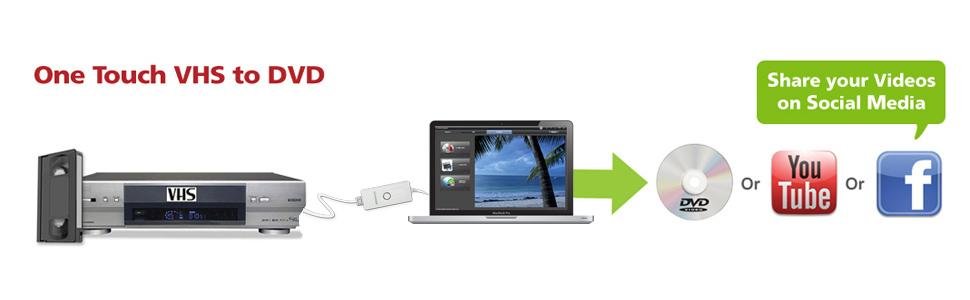
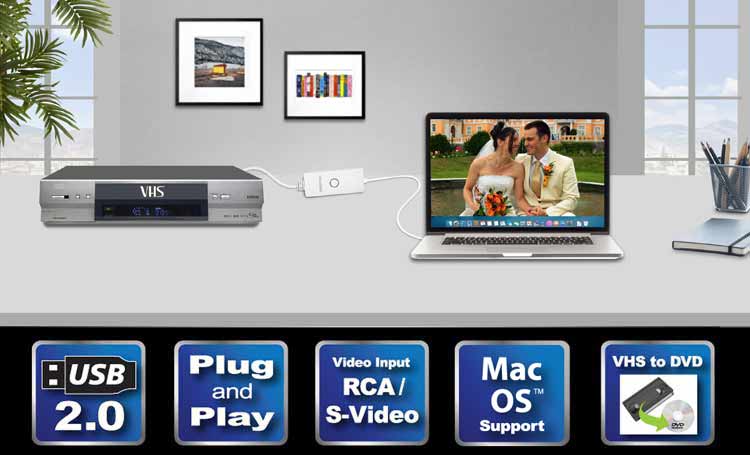
Before the age of smartphones, tablets, social media and even digital cameras, there was the VHS cassette. It was the only way to record and store all of our videos. Some of your most cherished moments in life are in VHS format – TV shows, music videos from the 80s, weddings and your kids’ birthdays. Why throw them out? There must be an easy way to preserve them…right? The VC500MAC Video Capture easily converts analog video and audio to digital format, in this case, a VHS player, and displays it beautifully on your Mac or MacBook while recording. When finished you can save your digital files on external backup drives, cloud storage or burn to DVD. The digital format is compatible with Mac OS iMovie for editing and adding transitions, backgrounds, and sound effects.
Capture Video Instantly and Easily
With the included Empia software, you can record and save video and audio, still, frame snapshots of your VHS recorded sporting events, family vacation, family home movies and all other precious moments you want to preserve for years and years to come. With Apple iMovie, you can add sound effects, titles, transitions or edit and remove unwanted footage such as commercials.
Edit, Save and Burn to DVD
The VC500MAC comes with RCA and S-Video inputs and also uses a USB 2.0 interface. Any device with a composite output such as a VHS player can be used to transfer video and audio to your Mac or MacBook or Mac based PC. You can also capture and edit video straight from a camcorder and convert them to digital format. Create DVDs to add to your collection of movies and favorite TV shows or upload and share home videos to YouTube or Facebook. The VC500MAC’s compatibility includes: NTSC, PAL, MPEG 4/2/1, JPG and BMP formats and is fully functional on PCs operating on MAC OS X 10.9 or later. See for yourself why the award-winning Diamond One-Touch Video Capture VC500MAC has become the favorite video capture device for video enthusiasts from around the world.
Share on Social Media
Create videos out of your old VHS tapes with the VC500MAC and upload them to social media. Have your friends and family recapture all of your old memories that would otherwise be lost forever.