
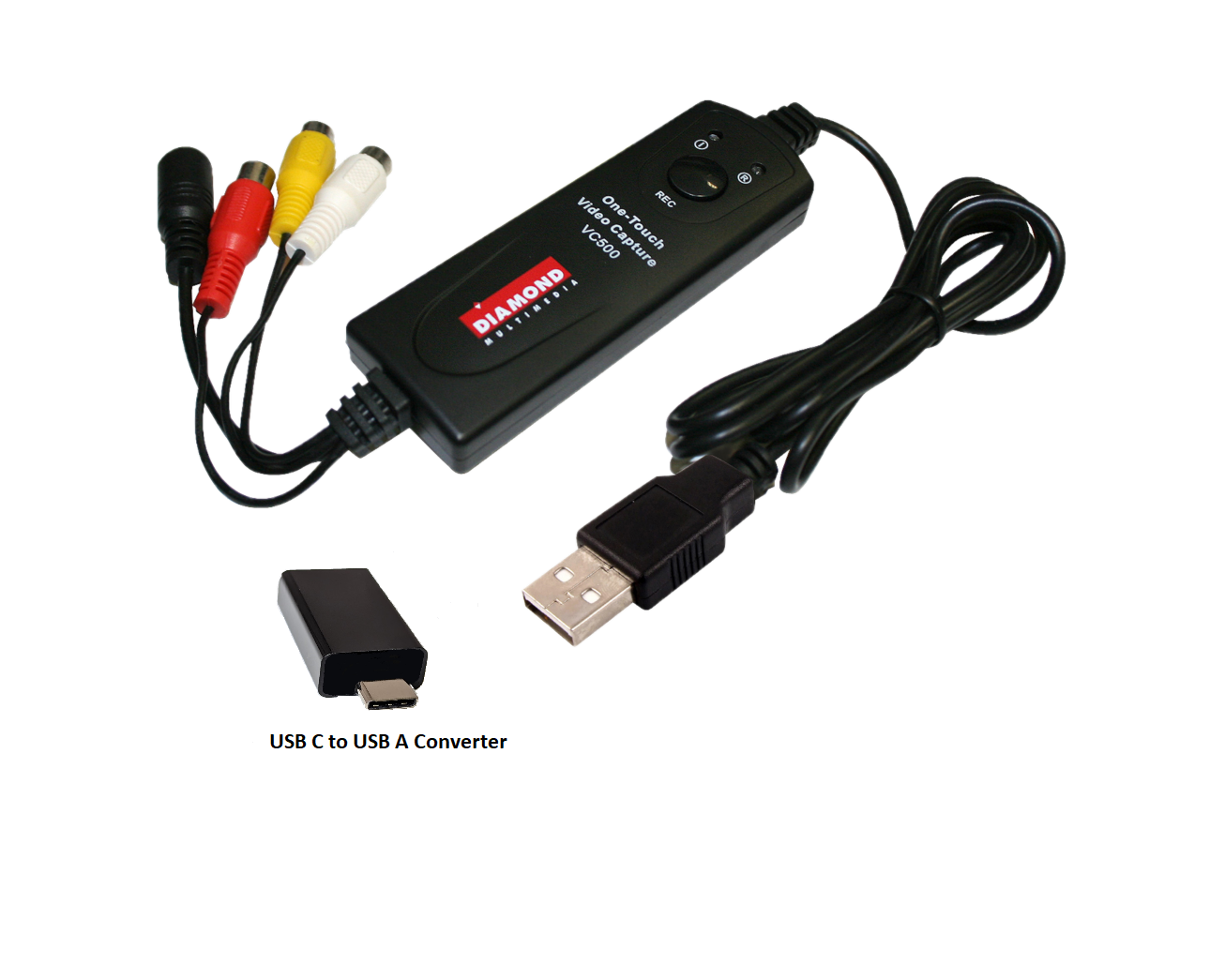




Diamond VC500SE (Windows 11, 10 USB 2.0 One Touch VHS to DVD Video Capture Device with Easy to use Software, Convert, Edit and Save to Digital Files)
$34.99
Product Description
Description

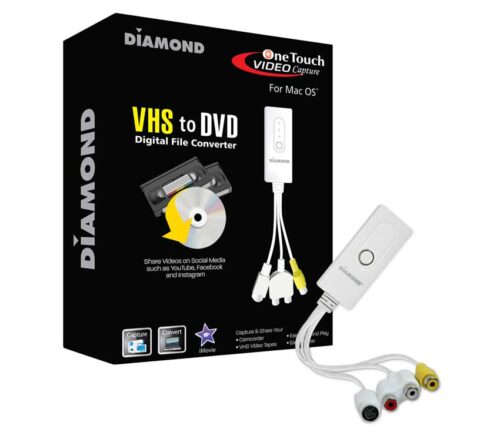
Diamond VHS to Digital Video Capture – USB One Touch Convert VHS to Digital File or DVD (Supports USB Type C Windows 11, 10 PC) VC500SE
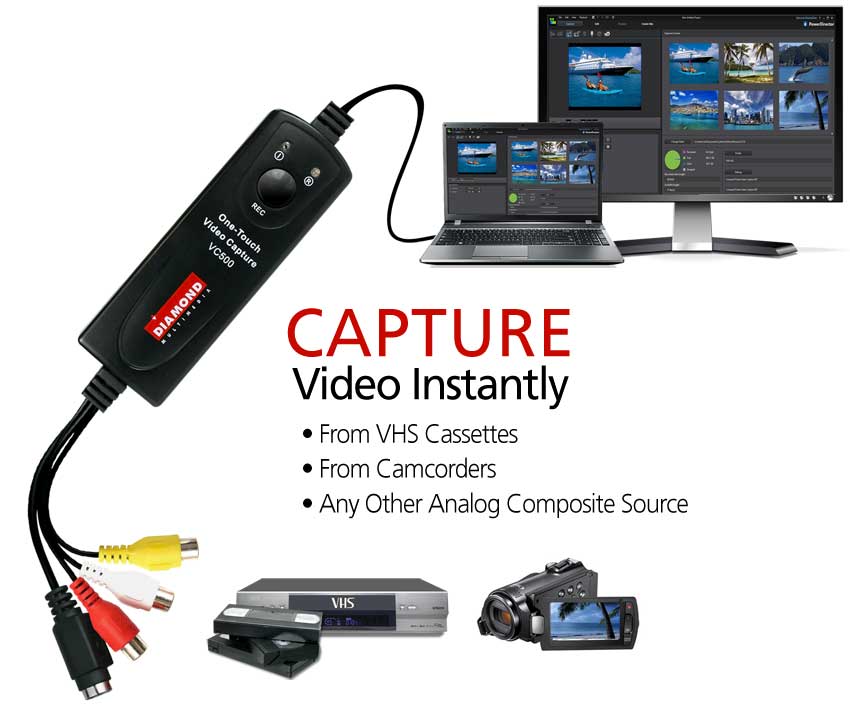
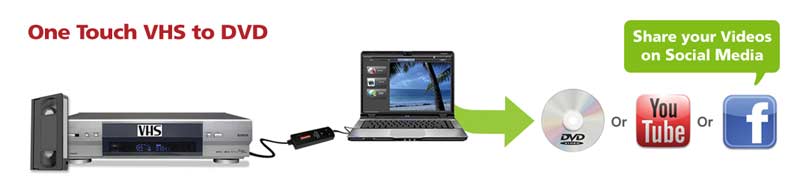
The Diamond (Windows) Video Capture VC500SE has become the most versatile and easy-to-use VHS digital converter on the desks of many video capture enthusiasts. It takes all the stress out of converting video from almost any source and converting and preserving them into digital files. The VC500SE is a VHS to DVD converter that converts VHS or 8mm to digital formats such as DVD. With the Ez Grabber software and all the included accessories, you are ready to start capturing and preserving video and audio from almost any analog video device. Right out of the box, the One-Touch Video Capture VC500SE is ready to capture video with the touch of just one button. Burn full-screen video capture, edit and create DVD and VCD. Upload your finished videos to YouTube and other popular video sites or just share them with friends and family.
Preserve and Convert VHS Video Cassettes
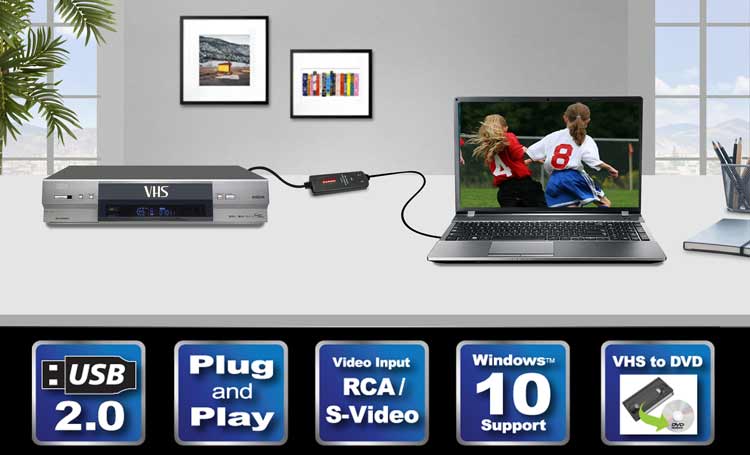
Before the age of smartphones, tablets, social media and even digital cameras, there was the VHS cassette. It was the only way to record and store all of our videos. Some of your most cherished moments in life are in VHS format – TV shows, music videos from the 80s, weddings, and your kids’ birthdays. Why throw them out? There must be an easy way to preserve them… right? The VC500SE Video Capture easily collects data from your original source, in this case, a VHS player or Camcorder and displays it beautifully on your PC or laptop. At the same time, it is recording and saving it for editing later.
Capture Video Instantly and Easily
With the included Cyberlink software, you can enjoy having the VC500SE’s powerful application right there on your laptop. Seamlessly go through an entire library of archived recordings of vacation videos, family home movies, and sporting events. Personalize your YouTube videos by adding text transition effects and storyboards. The VC500SE works with any video source including DVD players, set-top boxes, camcorders, and game consoles. Create wonderful tutorials and how-to videos and convert them into digital files instantly.
Edit, Save and Burn to DVD
The VC500SE comes with RCA and S-Video inputs and also uses a USB 2.0 interface. Any device with a composite output such as a DVD player can be used to transfer video and audio to your PC. Create DVDs to add to your collection of movies and favorite TV shows. The VC500SE’s compatibility includes: NTSC, PAL, MPG, AVI, JPG and BMP formats and is fully functional on PCs operating on Windows 10. See for yourself why the award-winning, Diamond One-Touch Video Capture VC500 has become THE favorite video capture device for video enthusiasts from around the world.
Share on Social Media
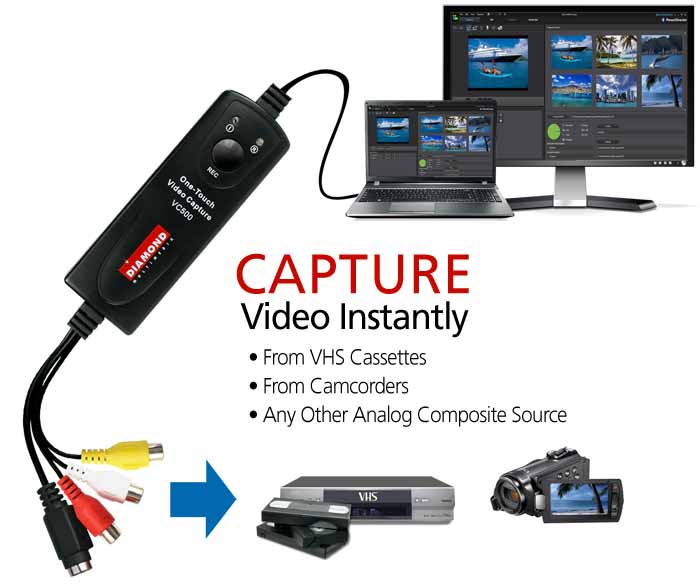
Create videos out of your old VHS tapes with the VC500SE and upload them to social media. Have your friends and family recapture all of your old memories that would otherwise be lost forever.
Related products
-
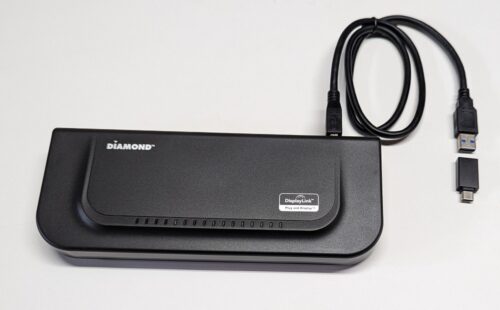
Diamond Ultra Dock Dual Video USB3.0, USB Type-C and Thunderbolt 3/4 Universal Docking Station with Gigabit Ethernet, HDMI and DVI Outputs (DS3900V2)
$69.99 -
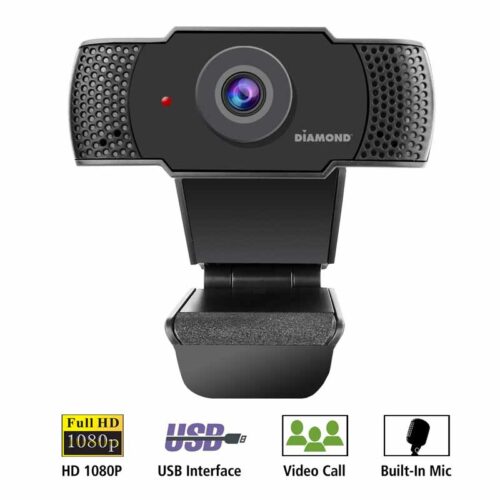
Diamond USB Webcam for Laptop and Desktop PC’s (WC1080)
$29.99 -
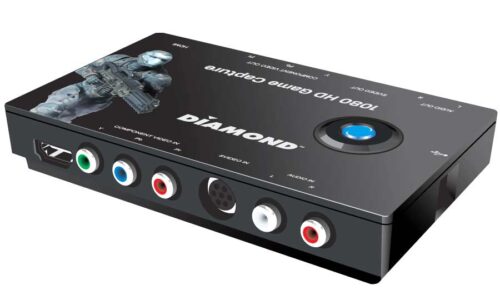
DIAMOND USB 2.0 GC1000 HD 1080 Game Console Video Capture Device
$999.00 -
Diamond Multimedia VC500MAC USB 2.0 One Touch VHS to DVD Video Capture Device (Does Not Support OS 13.x and higher)
$29.99