Product Description
$39.99
| Resource Title | Type | Action |
|---|---|---|
|
VC500 Installation & Troubleshooting Guide Comprehensive guide for setup and common issues. |
📄 Instruction
|
View Guide |
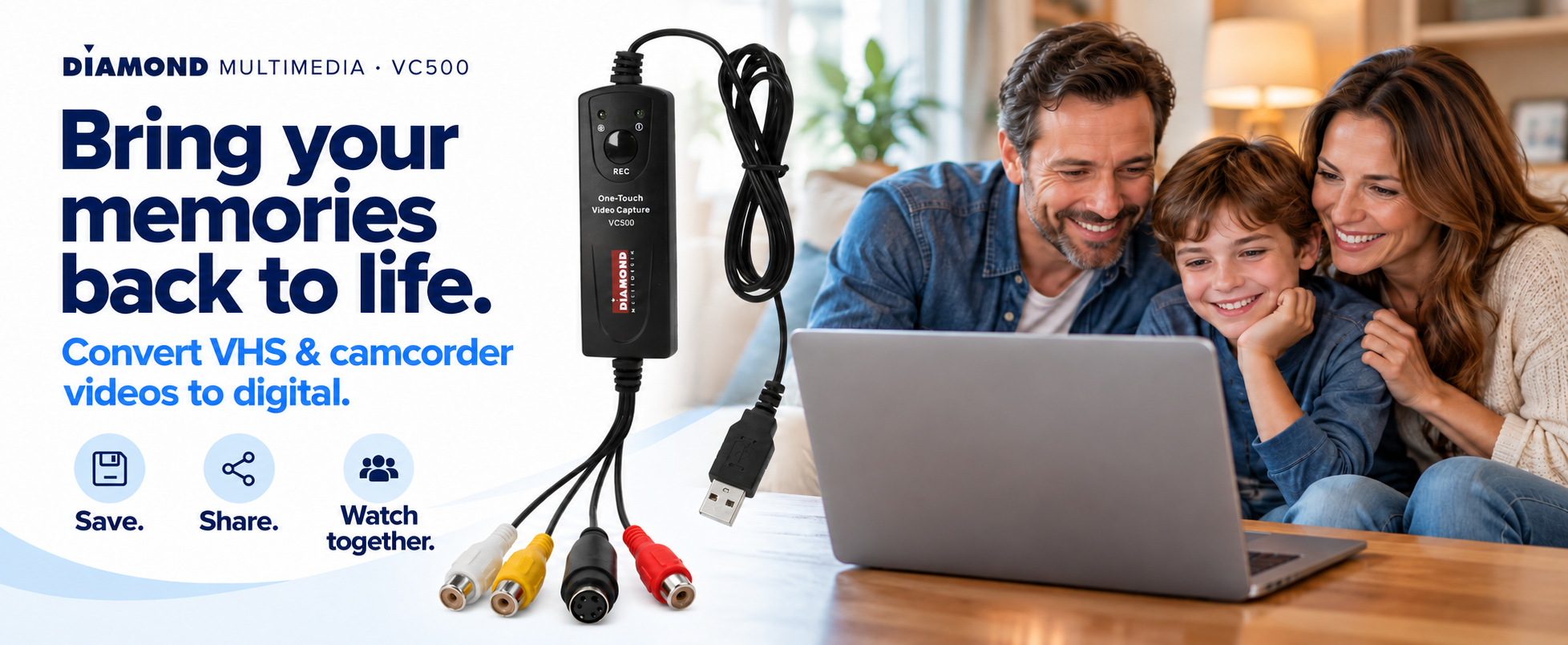
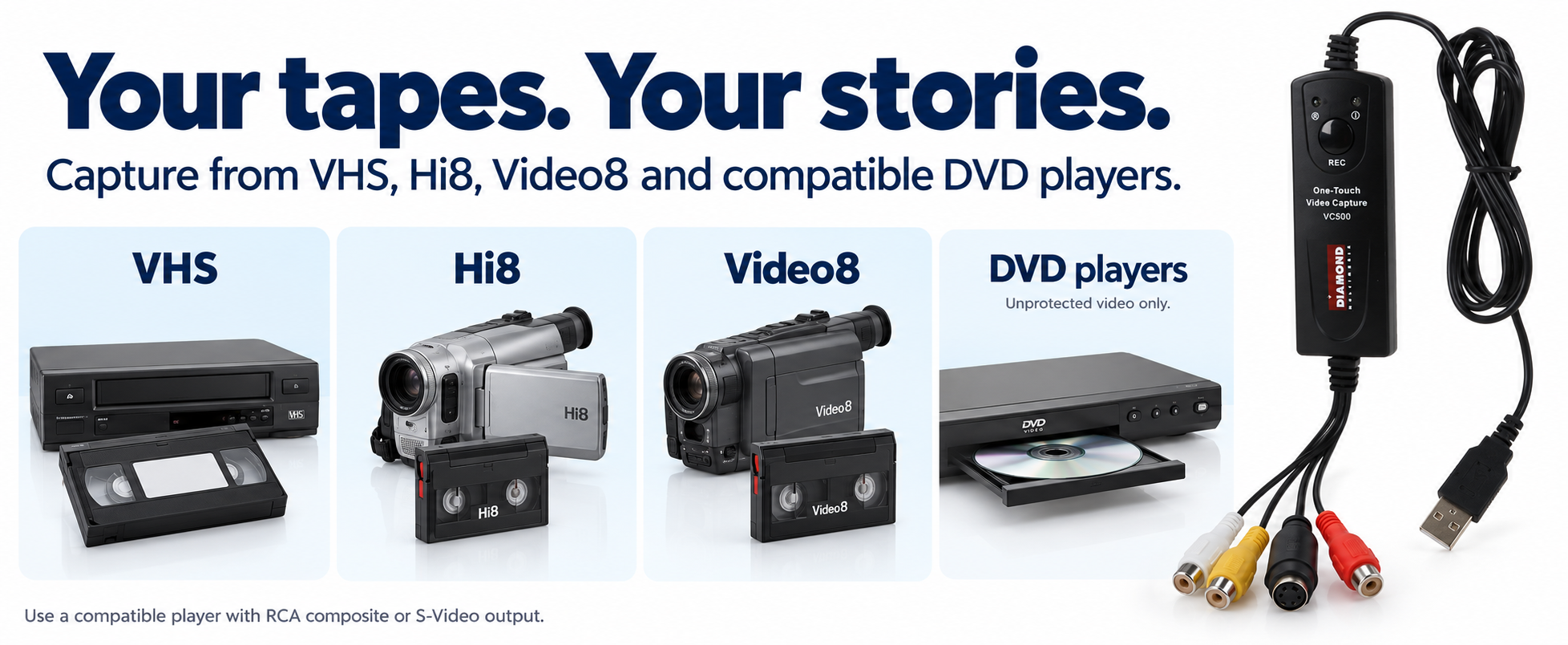
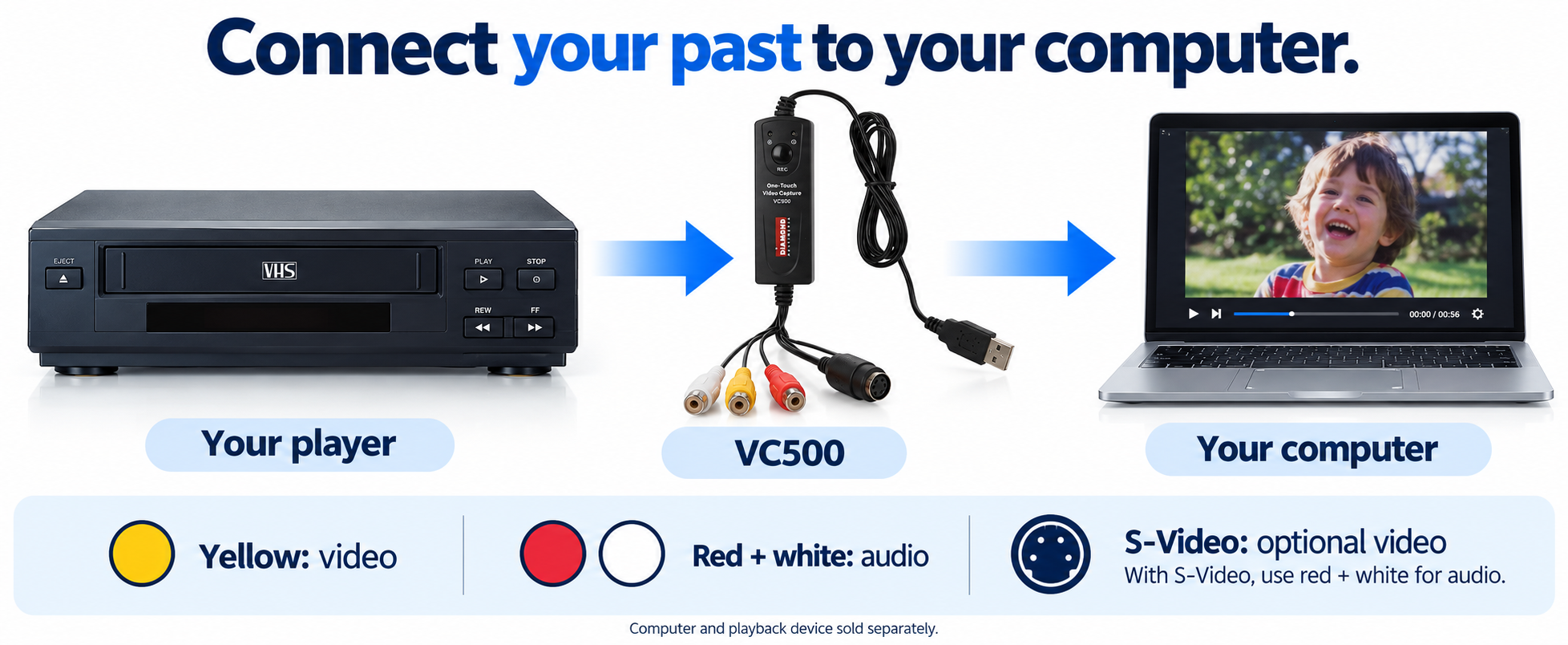
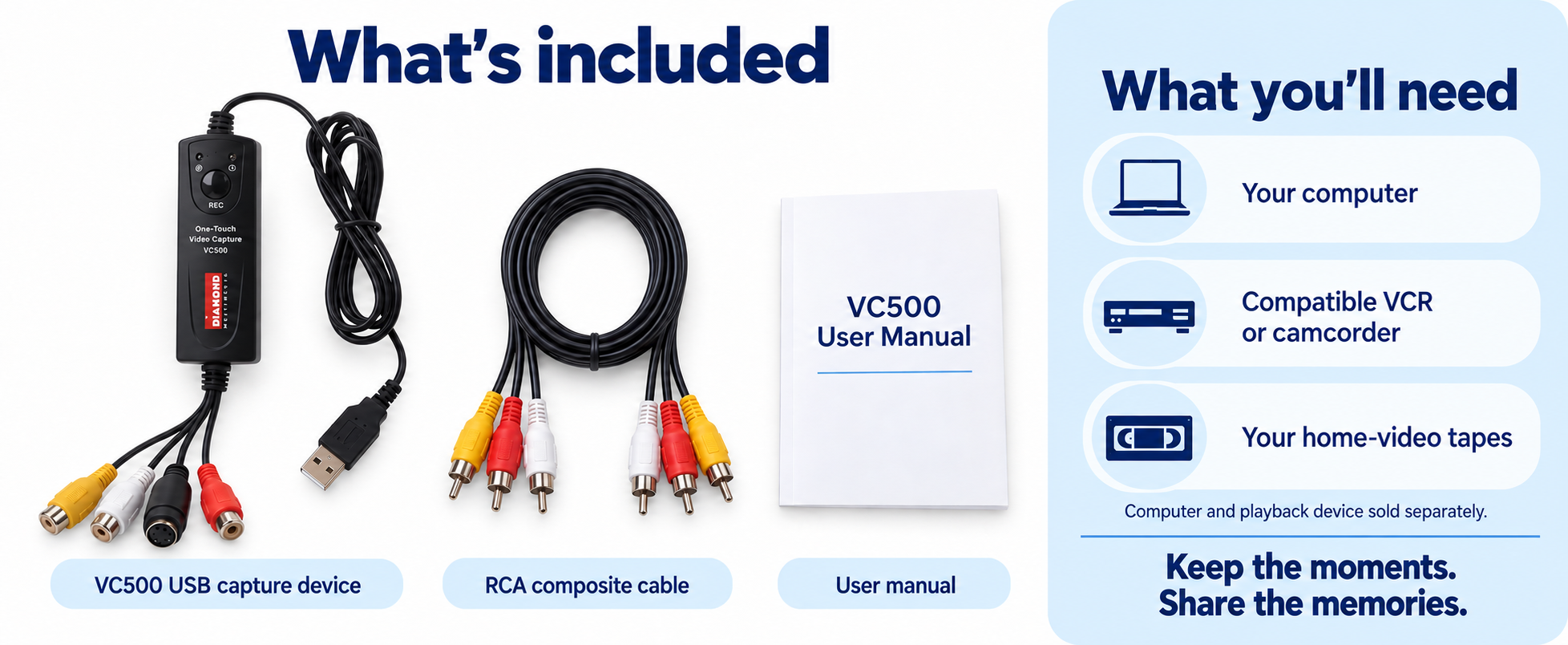
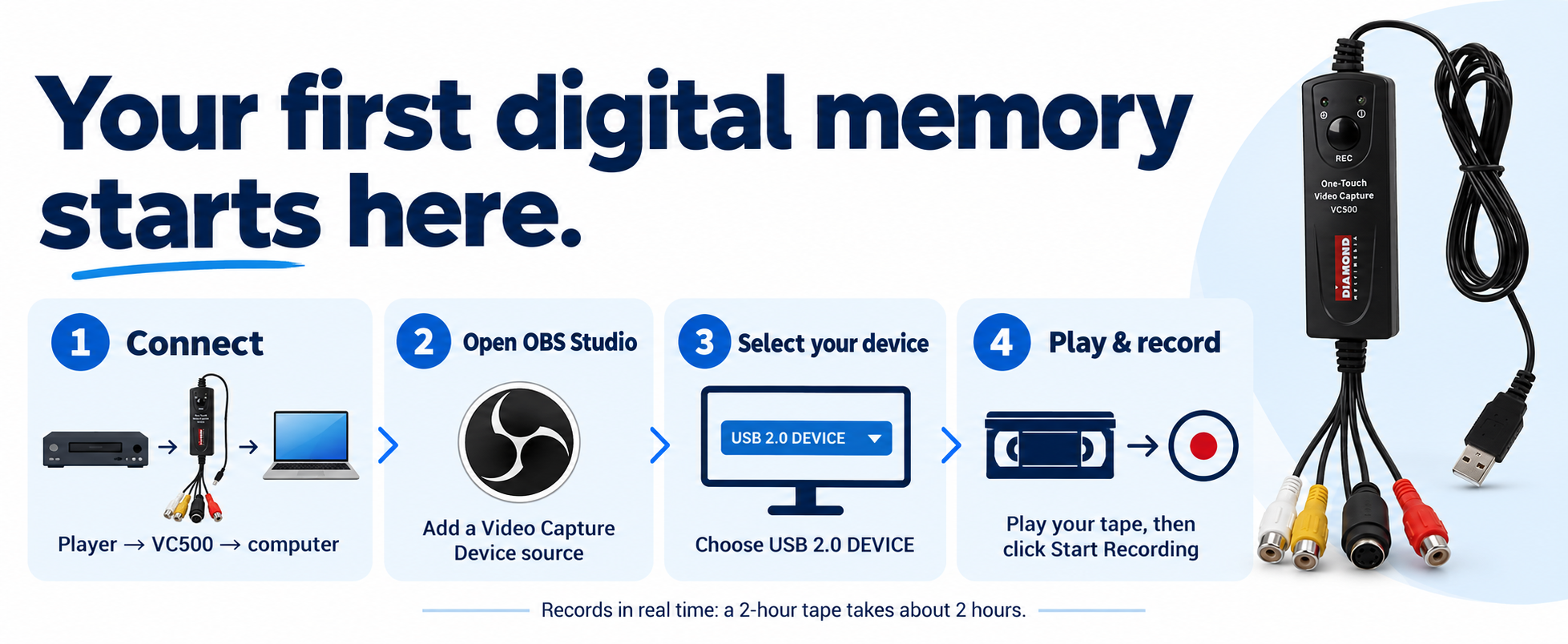
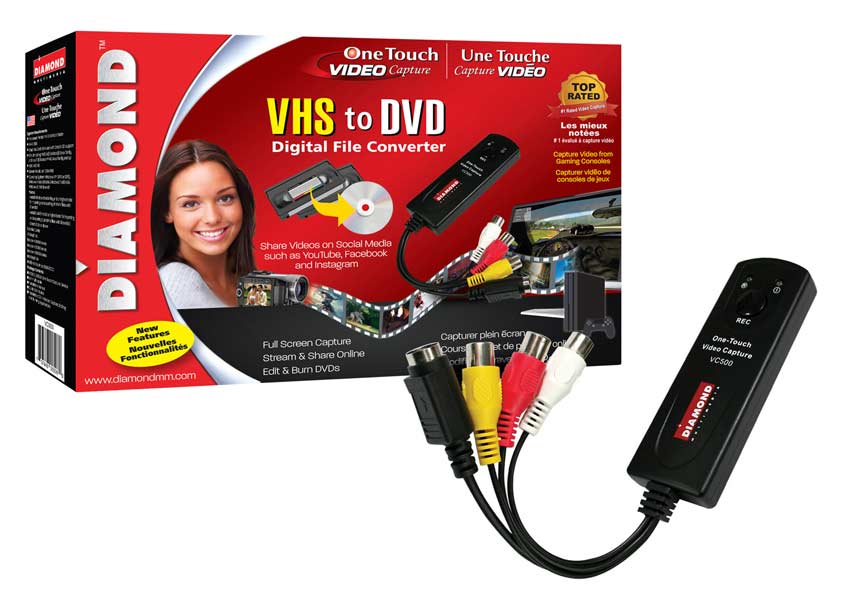
Capture videos with the touch of a button. The One Touch Video Capture VC500 captures video and audio from almost any device. Capture content from VCRs, camcorders, DVD players, or any device supporting video output through an S-Video or composite RCA connection.
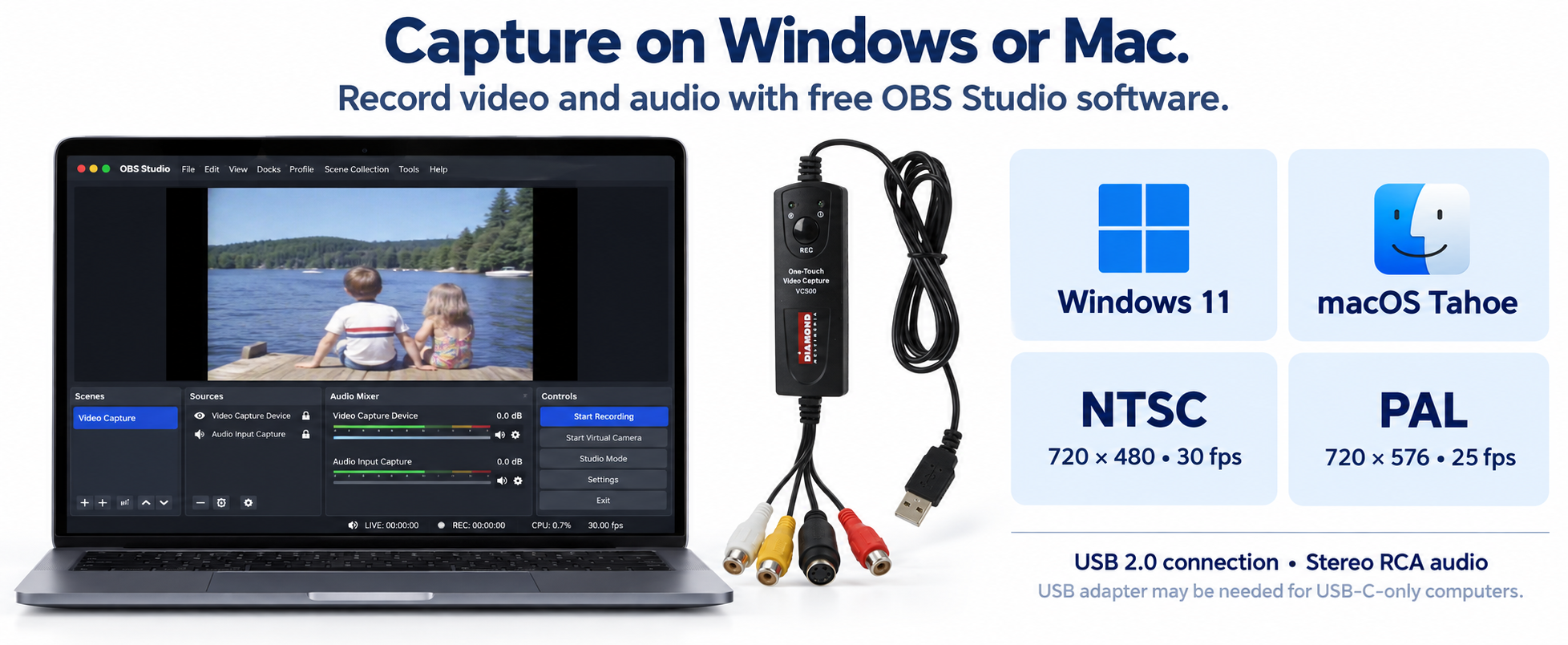
| Interface | USB 2.0 |
|---|---|
| Video standards | NTSC / PAL |
| Push button | Press to start/stop video capturing |
| Video capture formats | MP4 and MKV |
| Video inputs | Composite RCA or S-Video |
| Still image capture | JPG or BMP |
| NTSC video capture | 720×480 @ 30 FPS |
| PAL video capture | 720×576 @ 25 FPS |
| Operating System | Windows 11, Windows 10, Windows 8, Windows 7 and Mac |
|---|---|
| System CPU | AMD Athlon® or Intel® Pentium® 4 |
| CPU Speed | 1.4GHz |
| System Memory | 256MB |
| Power Supply | USB 2.0 port |
| Hard Disk Space | 600MB to 3GB per 1 hour of recording |
| BUS | USB 2.0 |
| Internet Connection | Yes, if you need to download the driver installation |